Beyond Gaming: How Interactive Design Is Influencing Everyday Digital Experiences
By LOLValue Team · November 24, 2025
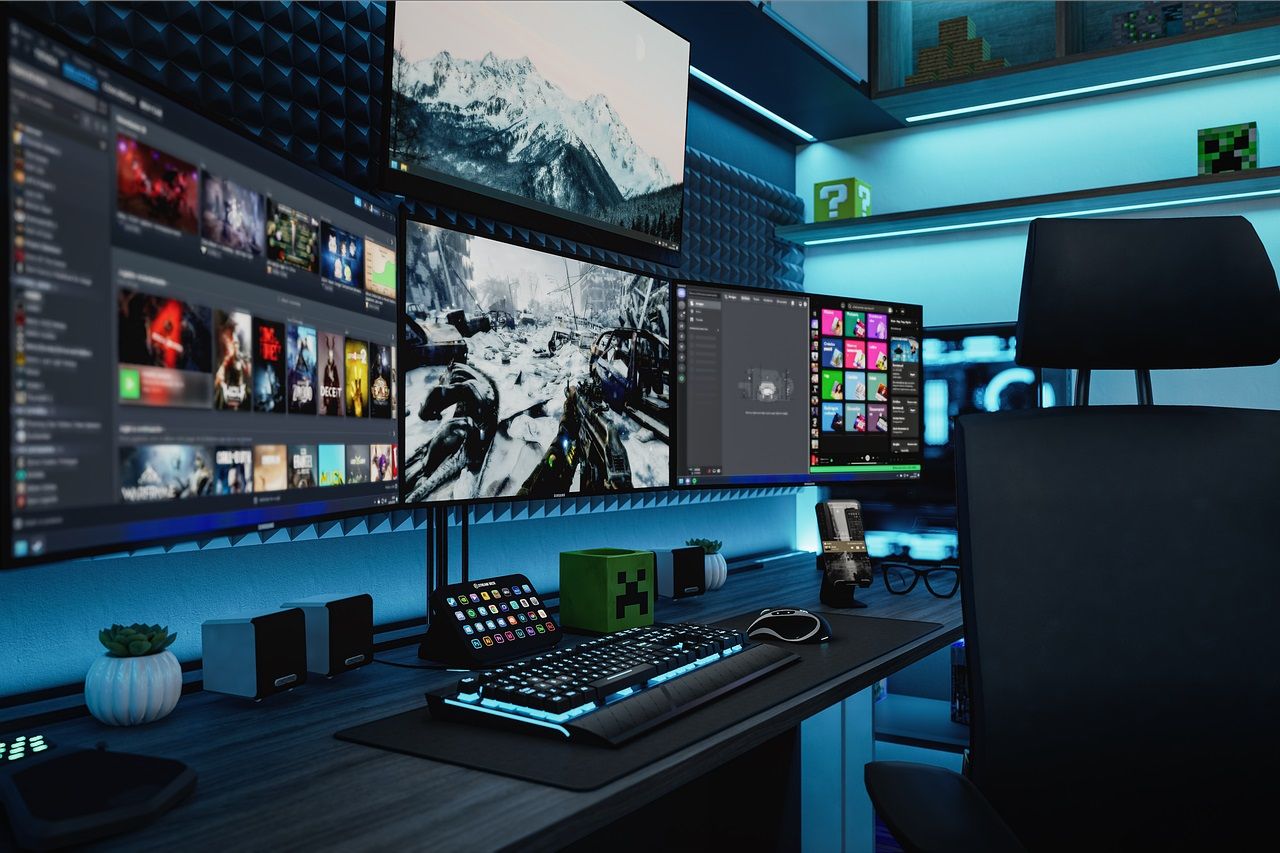
Interactive Design Is Moving Beyond Games
Interactive design was once tied closely to game development, where teams focused on fast responses, vivid visuals, and clear feedback for every move. Today, the same ideas shape how people tap through banking apps, browse shopping sites, and read news on their phones.
The line between a game interface and an everyday app has blurred as designers borrow patterns that keep experiences smooth, responsive, and easy to understand.
Instead of treating screens as static pages, many digital products now run on loops: action, feedback, and adjustment. Subtle animations, progress markers, and guided flows help people feel confident after every click or swipe.
From Game Studios To Everyday Screens
Game and slot studios have spent years refining how to keep people oriented while the action moves quickly. They test color, layout, and pacing so information stays legible even when a lot is happening on screen. Those experiments now inform interaction patterns in mobile apps, dashboards, and online tools.
Game studios such as Hacksaw Gaming build social casino style slots with distinctive artwork, fast feedback, and mechanics that keep short sessions feeling dynamic. The same patterns—quick loops, clear states, and satisfying transitions—now guide how teams structure sign up flows, navigation, and dashboards in many other products.
Bottom Line: High-energy game screens act as a testbed for ideas that make everyday products feel more responsive and legible across devices.
Micro-Interactions Make Interfaces Feel Alive
Micro-interactions are the tiny responses that happen when someone taps a button, completes a step, or makes a small mistake.
A subtle shake on a password field, a checkmark sliding into place, or a soft motion on a send icon all signal that the system noticed the action. These details reduce uncertainty and help people understand what just happened.
- Instant Feedback: Small movements or sounds confirm that a tap or swipe was received.
- Clear Status Cues: Progress bars, badges, and checkmarks show how far along someone is in a process.
- Gentle Error Handling: Highlighted fields and inline messages help people fix issues without feeling overwhelmed.
Where Game Thinking Shows Up in Daily Apps
Mechanics once reserved for games now appear in tools used for learning, fitness, and work. Progress bars, streak counters, and goal tracking widgets break big goals into smaller milestones and provide a sense of achievement that keeps people returning.
Language and study apps use levels and streaks to show growth over time. Fitness platforms display rings, badges, and weekly challenges that mirror in game objectives. Budgeting and productivity tools use animated checklists and charts that grow as goals are reached, turning abstract plans into visible progress.
Adaptive and Personalized Interfaces Take Center Stage
Games have long adjusted difficulty and pacing based on how someone plays, keeping experiences challenging but not frustrating. That same thinking now guides interfaces that adapt content, layouts, and suggestions based on past behavior.
News feeds, streaming services, and shopping sites reorder tiles and recommendations in real time. Guided onboarding, tooltips, and contextual hints echo game tutorials, offering extra support to new or stuck users while staying out of the way for experienced ones.
Ultimately, people now expect apps to remember their choices, respect their time, and surface the most relevant actions.
Design Principles for Responsible Interactivity
Borrowing ideas from gaming does not mean turning every experience into a competition or constant stream of rewards. Thoughtful design balances excitement with clarity so people always understand what is happening and how to stay in control.
- Prioritize Clarity: Ensure every animation or effect communicates success, error, or next steps.
- Respect Attention: Use motion and sound sparingly so key moments stand out without overwhelming people.
- Support Accessibility: Pair visual effects with text, labels, and alternative cues so everyone can benefit.
What This Shift Means for Designers and Users
The spread of interactive design beyond gaming means people now expect digital products to respond quickly, explain clearly, and feel cohesive across devices.
Bottom Line: Thoughtful interactive design takes the energy of games and channels it into everyday experiences that are clearer, kinder, and more engaging to use.
More from the LOLValue blog
LoL account value calculator · LoL skins database · LoL MMR checker · Wasted on LoL · Riot Points to USD
LoLValue isn't endorsed by Riot Games and doesn't reflect the views or opinions of Riot Games or anyone officially involved in producing or managing Riot Games properties. Riot Games, and all associated properties are trademarks or registered trademarks of Riot Games, Inc.