How to Sell Your Steam Items for Real Money
By LOLValue Team · April 5, 2026
Anyone trying to cash out Steam items quickly runs into the same basic truth: Steam itself was built for Steam Wallet transactions, not direct cash withdrawals. Valve’s own support pages make that clear. Steam Wallet funds cannot be withdrawn, moved, or gifted to another account, and Community Market sales stay inside the Steam ecosystem. That is the starting point for any realistic guide to how to sell Steam skins for actual money rather than store credit.
That distinction matters because a lot of newer users confuse two very different actions. Selling on the Steam Community Market is not the same as getting cash. It is only a way to convert items into Steam Wallet balance, which can then be spent on games, DLC, and in-platform purchases. If your goal is to sell Steam items for real money, you need a route outside Steam Wallet. In practical terms, that is also how users sell Steam items for real money, and it means thinking about timing, fees, account security, and item restrictions before doing anything.
The first thing to understand: Steam has rules that affect selling speed
A smart Steam items cash out plan starts with platform rules, because those rules shape what you can do and how fast you can do it. Valve says Counter-Strike 2 items are trade protected for 7 days after being received in trade. It also says that if you add the Steam Guard Mobile Authenticator, trades or market listings created before it is added, or during the first 7 days after it is added, can be held for 15 days. In practical terms, even if you want to move items immediately, your account setup and your recent item history can slow the process down.
This is one of the most important things people miss. They focus on price, but price is only one side of the sale. Liquidity is the other. A skin that looks easy to sell may still be temporarily locked by trade protection or by Steam Guard timing. If you want to sell Steam items safely, you need to check those restrictions first instead of assuming every item is instantly transferable.
What actually affects your ability to sell
Before thinking about price, you need to make sure your account is in a usable state. Steam trade and market holds exist for security reasons, and they can block or delay transactions. Valve explains that these protections are designed to reduce losses if an account is compromised.
Here is the practical version of what matters most:
| Factor | Why it matters |
| ---------------------- | ----------------------------------------------------------- |
| Steam Wallet limitation | Steam Community Market proceeds cannot be withdrawn as cash |
| Trade protection | CS2 items received in trade are protected for 7 days |
| Account security | Trade and market holds exist to protect compromised accounts |
| Timing | Fast selling is not always possible if items are locked |
| Price choice | A rushed sale often means accepting a weaker price |
The real process of cashing out Steam items
If your goal is a real Steam items cash out, the process is usually much simpler in theory than in practice. The structure looks like this:
- Check whether your item is actually tradable and not under protection.
- Decide whether you want speed or a better price.
- Compare the item’s real resale value instead of only looking at Steam prices.
- Review every trade carefully before confirming anything.
- Withdraw only through a payment method you trust.
That list sounds obvious, but most mistakes happen at step three or four. Steam prices and real-money prices are not the same thing. Steam prices reflect a closed ecosystem with wallet-only proceeds. Real-money prices are usually lower because the buyer is paying cash, the seller wants liquidity, and the platform or trader needs room for margin and risk.
How item type changes the selling experience
Not all Steam items behave the same. Some items are extremely liquid and easy to price. Others look expensive but move slowly. A popular, recognizable item with constant demand is easier to sell than an obscure cosmetic with a thin buyer pool, especially if you want to sell CS2 skins or other Steam items efficiently rather than wait on slow, low-demand listings.
That is why learning how to sell Steam skins properly is not only about knowing the platform. It is also about understanding your item. Ask three questions:
- Is this item commonly traded?
- Is the price based on real demand or just a thin market?
- Would a buyer want this item quickly, or only at a deep discount?
The better the answer to those questions, the easier it becomes to sell Steam skins for real money without overcutting your own value.
Why LIS-SKINS Is The Best Place To Sell Your Steam Items for Real Money
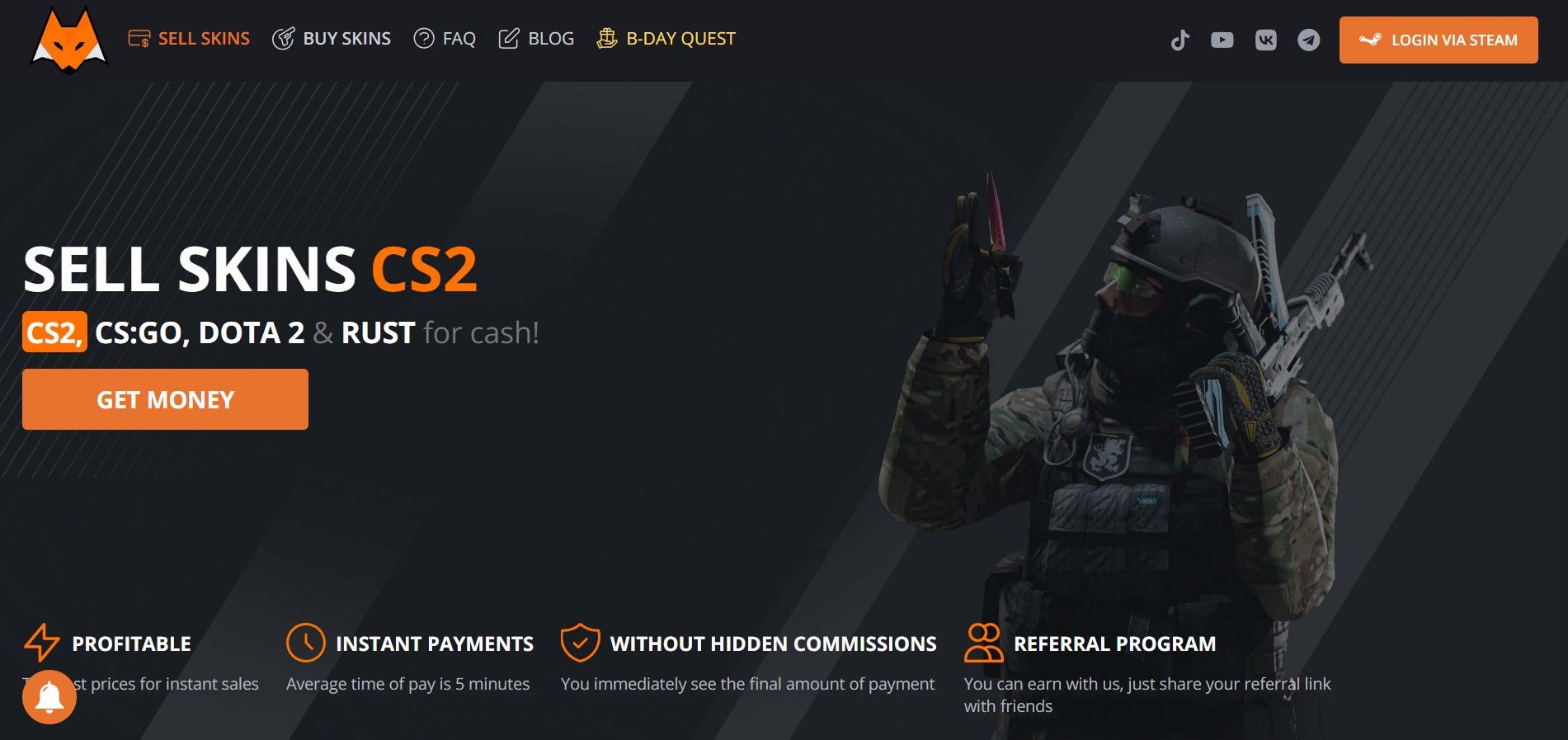
For users who want a more direct way to sell Steam skins for real money, LIS-SKINS fits into the process as a cash-out option built around speed and item selling rather than Steam Wallet-only balance. That matters because many people are not trying to flip inside Steam forever; they are trying to turn digital items into usable money. In that context, the practical priorities are clear pricing, a straightforward selling flow, and a process that helps users sell Steam items safely without treating every trade like an improvised deal.
LIS-SKINS focuses on what actually matters in real transactions: competitive pricing, fast sales, and a smooth, predictable selling flow. Instead of waiting days for a buyer, users can sell items almost instantly and lock in a fair market price based on real demand, not just theoretical listings.
Another key advantage is flexibility. The platform supports multiple payout methods, including selling CS2 skins for crypto and other convenient withdrawal formats, making it easier to receive funds in the way that suits you best. Combined with transparent pricing and a user-friendly interface, this makes LIS-SKINS one of the most practical and reliable ways to sell Steam skins for real money today.
More from the LOLValue blog
LoL account value calculator · LoL skins database · LoL MMR checker · Wasted on LoL · Riot Points to USD
LoLValue isn't endorsed by Riot Games and doesn't reflect the views or opinions of Riot Games or anyone officially involved in producing or managing Riot Games properties. Riot Games, and all associated properties are trademarks or registered trademarks of Riot Games, Inc.